Love these shoes! Thank you


Jordan 1 Retro High OG Heritage (PreOwned)
Buy Now & Pay Later


Get it by — • Overnight
ORDER IN --:--:--
or standard shipping arrives by —
Delivery times vary by location and may be affected by carrier delays.
Overnight—
Standard—
Economy—
Every item is inspected and authenticated by our in-house team before shipping. If it is not legit, we do not sell it.
Returns accepted within 5 days. Exchanges accepted within 14 days. Item must be in original condition with all tags attached.
Free Economy shipping on US orders over $250. Faster methods available at checkout.
Jordan 1 Retro High OG Heritage in the White/University Red-Black colorway. Drawing inspiration from the original 1985 Chicago color blocking, this high-top silhouette features a crisp white leather base accented with University Red overlays on the toe box, heel, and ankle collar. Finished with a contrasting black Swoosh and matching black laces, the design sits on a classic white midsole with a red rubber outsole. It retains the signature Wings logo at the ankle and the Nike Air branding on the woven tongue label.
Product Title: Jordan 1 Retro High OG Heritage (PreOwned)
Product Brand: Jordan
Product SKU: 555088-161-used-1
Product Colorway: White/University Red-Black
Product Category:
Pickup available at Capital City Plaza
Ready in 2–4 hours
Jordan 1 Retro High OG Heritage (PreOwned)
10.5 / Pre-Owned
Capital City Plaza
Pickup available, Ready in 2–4 hours
3401 Hartzdale Drive, Camp Hill, Pennsylvania 17011, US
7177424308
Christiana Mall
Pickup currently unavailable
604 Christiana Mall, Newark, Delaware 19702, US
3026507643
Walnut Street
Pickup currently unavailable
1509 Walnut Street, Philadelphia, Pennsylvania 19102, US
2678896237
Choose options
Jordan 1 Retro High OG Heritage (PreOwned)
Sale price$30.00
More from Jordan

Jordan 11 Retro Gamma Blue (2025)
Sale priceFrom $232.80

Jordan 5 Retro Wolf Grey (2026)
Sale priceFrom $335.00

Jordan 4 Retro Toro Bravo (2026)
Sale priceFrom $225.00

Jordan 4 Retro White Cement (2025)
Sale priceFrom $250.00

Jordan 5 Retro Wolf Grey (2026) (GS)
Sale priceFrom $200.00

Jordan 1 Retro Low OG SP Travis Scott Sail Tropical Pink
Sale priceFrom $400.00

Jordan 4 Retro OG Nigel Sylvester Brick After Brick
Sale priceFrom $325.00
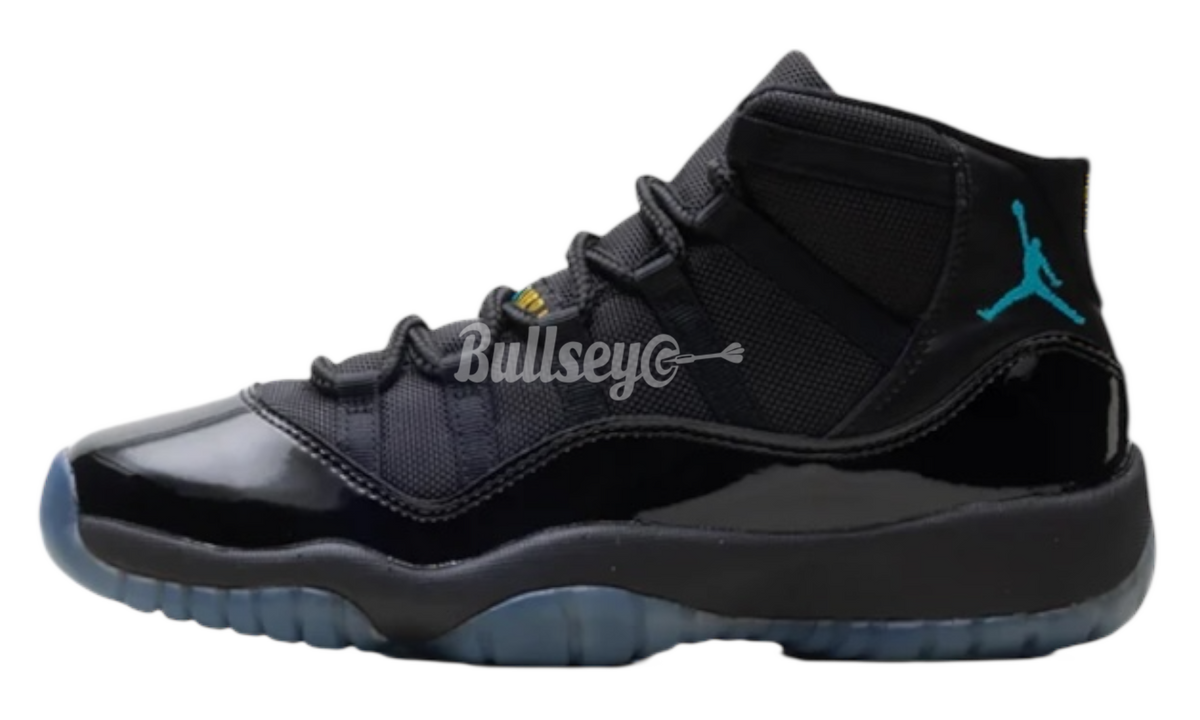
Jordan 11 Retro Gamma Blue (2025) (GS)
Sale priceFrom $275.00
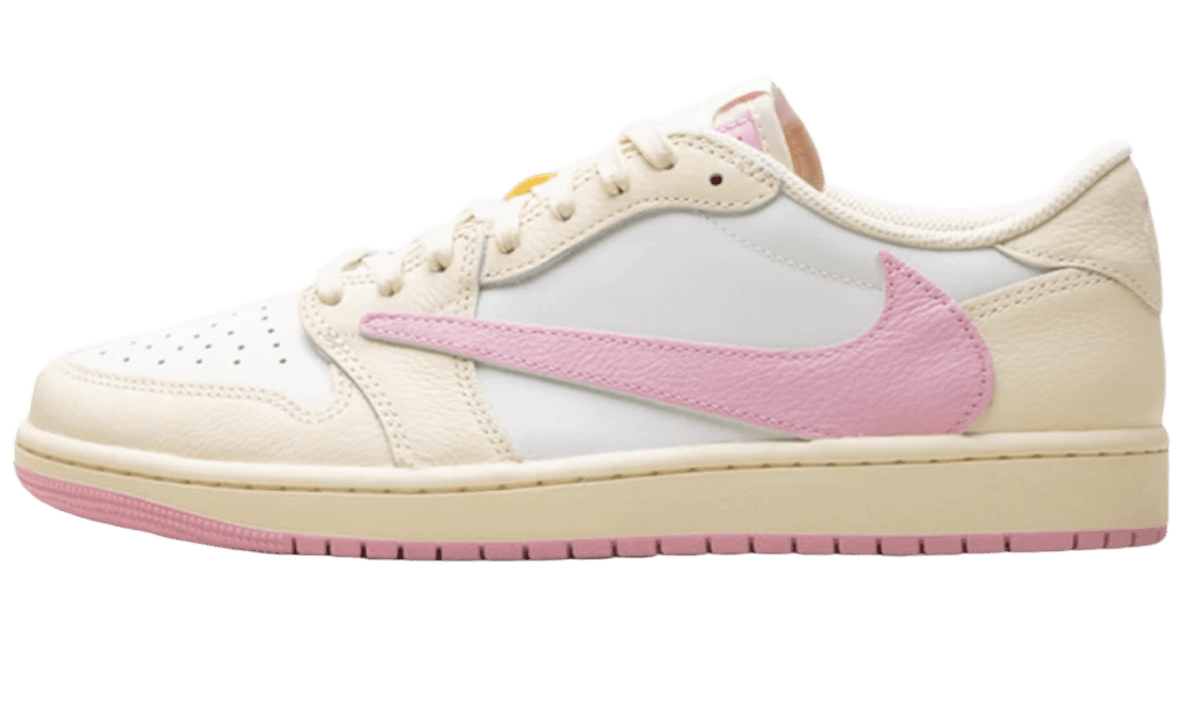
Jordan 1 Retro Low OG SP Travis Scott Shy Pink
Sale priceFrom $425.00
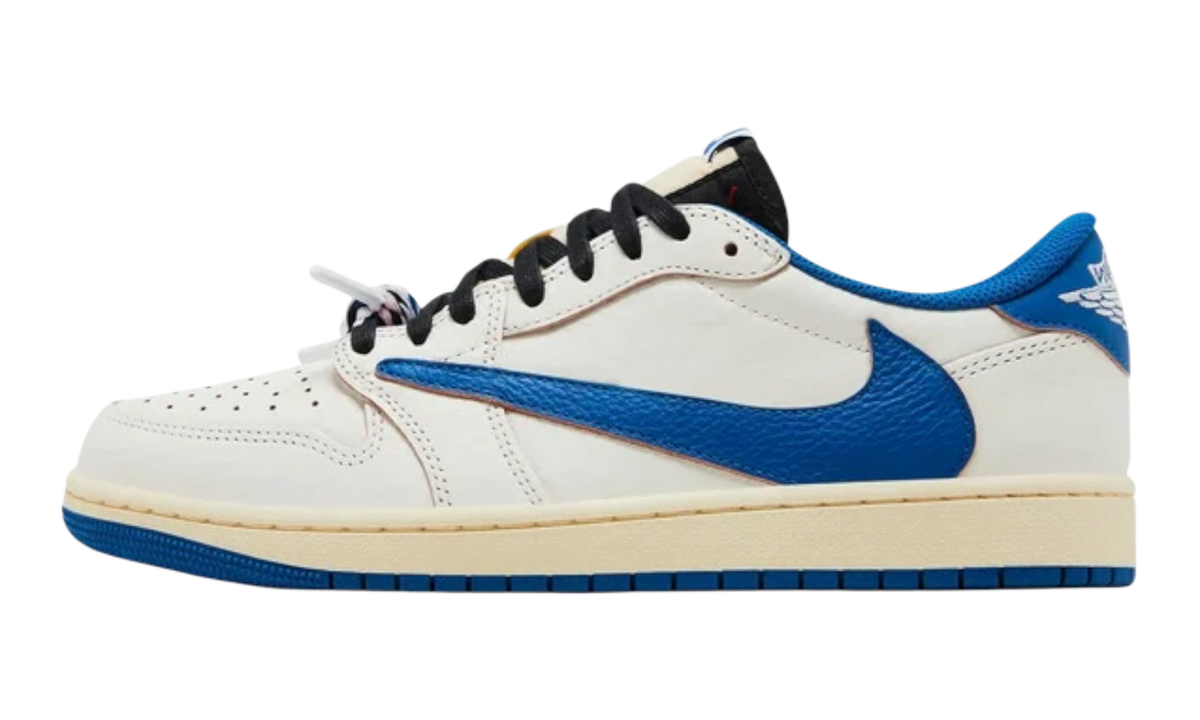
Jordan 1 Retro Low OG SP Fragment x Travis Scott Sail Military Blue
Sale priceFrom $695.00
Recently Viewed Products

Customer Reviews
Overall rating: 4.9 / 5 from 888 reviews.
🔥 love the details. This shoe is a head turner. Nothing but good compliments.
Perfect service and fit
product was as detailed and came quickly
Such great customer service! Had to exchange for a different size and it was such a effortless experience! Thank you!

Love it.cant wait for more deals.
perfect price brand new.i will allways look for what they have here first
Fast shipping. Great product
Great product
came as expected will purchase again

The sneakers came in a terrific box and the product was wrapped in plastic. Received faster than any other sneaker place that I use. Great service as always.
Love it
Quick and fast shipping
🔥🔥🔥🔥 quality is amazing
Fast shipping and good packaging.. My first time ordering from Bullseye and definitely won't be the last.
Love these, second time ordering!
Legit and always fast shipping
My son loves it
Great quality set
Thanks for the supreme socks
Great materiel nice for the weather💯
The best ever
Love this store
just as desecibed, great details 🔥🔥
Reminded me that I will always love my friendly neighborhood webslinger

5 Star service.
grateful 🙏
Great clothing loved visiting the location in Philadelphia in the city great people
Super zuverlässig und ausgesprochen schneller Versand nach Deutschland. Volle Punktzahl. Der Onlineshop ist sehr zu empfehlen.
These are sick!!! Very high quality and look clean.
Iit
Prefect

You guys nailed it
Nice
They came brand new and on time. Thank you Bullseye.
This is my second time ordering clothes from them, and once again, I’m very satisfied with the experience! The shipping was super fast, and the entire process was quick and smooth from start to finish. I appreciate how efficiently everything was handled. Definitely looking forward to ordering again!
Good
they came in and there my favorite shoes now

They are so cute delivery was quick and they were $25 cheaper than other sites also thanks so much will be ordering more from here
Love the fit and quality and the store instantly shipped the next morning